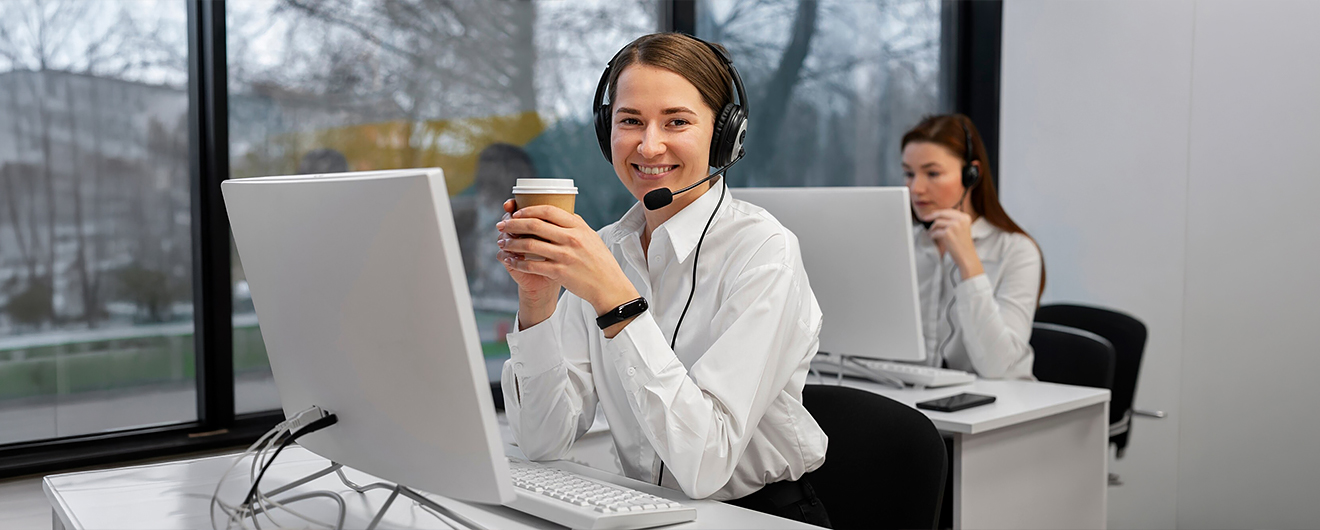
Fix everyday device problems through TW Prime’s remote help. Our technicians resolve setup errors, security concerns, and performance issues across printers, computers, tablets, and many connected household devices

Modern homes depend on connected devices for work, communication, and entertainment. When problems appear, remote technical help restores performance quickly. Our technicians diagnose issues, guide solutions, and restore normal operation while keeping your personal data safe.



Tech Issues Fixed Instantly. You Only Pay If We Fix It.
Exclusive 1-year membership that includes unlimited support sessions for all smart devices

Fix update failures, system crashes, slow startup problems, and other operating system issues affecting device performance.

Identify and remove harmful software slowing your computer, phone, or tablet and protect personal data.

Set up email accounts and fix login, sending, receiving, or synchronization problems.

Install programs, configure applications, and resolve software errors preventing normal use.

Configure new phones, tablets, computers, and smart devices for smooth everyday use.

Move files, photos, contacts, and documents safely between devices when upgrading or replacing equipment.

Resolve printing errors, wireless connection failures, and scanner setup problems across home or office devices.

Fix router settings, connection drops, and network errors affecting device internet access.
Our remote technicians assist with many devices used at home and work. Whether it is a computer, printer, laptop, tablet, or connected device, we diagnose problems, guide solutions, and restore proper performance without needing in-person repair visits.
Getting device help is simple. Connect with our technicians remotely and receive guided assistance to solve technical problems safely.
Our technician begins by checking the device remotely to understand the issue. System settings, software behavior, and error messages are reviewed to identify the exact cause.
After identifying the issue, the technician fixes the problem through guided steps or secure remote access while you watch. Most common technical issues are solved during the same session.
Technicians help set up new devices, install needed applications, configure accounts, and adjust system settings so everything works correctly from the beginning.
Devices are checked for harmful software, security settings are adjusted, and privacy options are reviewed so your personal information stays protected.
Connect with experienced technicians and restore device performance without visiting a repair store.
" My laptop stopped updating, and I lost access to several work programs. The technician connected remotely, diagnosed the issue, and fixed everything within the same session. My computer started working normally again "

" "I purchased a new tablet and struggled setting up email and apps. The technician guided every step clearly and finished the setup during one call. The device works perfectly now. "

" My printer stopped connecting to WiFi and I needed it for home office tasks. The technician checked the network settings and fixed the connection quickly. Printing works from all devices again. "

"I saw virus warnings on my computer and worried about personal files. The technician checked the system, removed the threat, and improved device speed. Everything feels safe again."

Technicians assist with many devices used daily including computers, laptops, tablets, smartphones, printers, scanners, and smart home devices. If your device runs software, applications, or connects to the internet, technicians can usually diagnose problems and fix them through remote access sessions.
Remote assistance allows a technician to connect securely to your device using a protected connection tool. After your approval, the technician checks system settings, identifies the issue, and performs repairs while you watch the process on your screen.
Technicians resolve operating system errors, virus infections, slow performance, software installation problems, printer connectivity issues, email configuration errors, device setup problems, and network connectivity issues. Data transfer and new device configuration assistance are also available.
Yes. Remote sessions begin only after your permission. Secure connection tools are used and technicians access only the parts of the device needed to identify and fix the issue. Your personal files remain private during the session.
No technical knowledge is required. The technician guides every step clearly during the session. You will see what actions are performed and receive simple instructions when any step requires your input.